Design a connected event management system that supports the full lifecycle of an event, from creation to publishing, while keeping the experience clear and consistent across all user flows.
The focus was on reducing friction in form interactions, handling validation and system states in a predictable way, and making it easy for users to move between dashboard, editing, and account management without relearning behavior.
I designed the UX and UI across the full product experience, including the dashboard, event creation and editing flows, authentication, and account settings.
My work focused on structuring forms, defining interaction patterns, and establishing consistent behavior across states such as validation, loading, and success. I also considered how these patterns would scale across the system rather than treating each screen independently.
The project was approached as a connected system rather than a set of individual screens. Early decisions focused on how users move between flows and how form behavior would remain consistent across different areas of the product.
I prioritized reusable patterns for inputs, feedback, and actions, and designed with edge cases in mind, including empty states, errors, and loading scenarios. This helped ensure that the experience remained stable and predictable, even outside of ideal conditions.
The product is structured around four core areas that work together to support the full user journey.
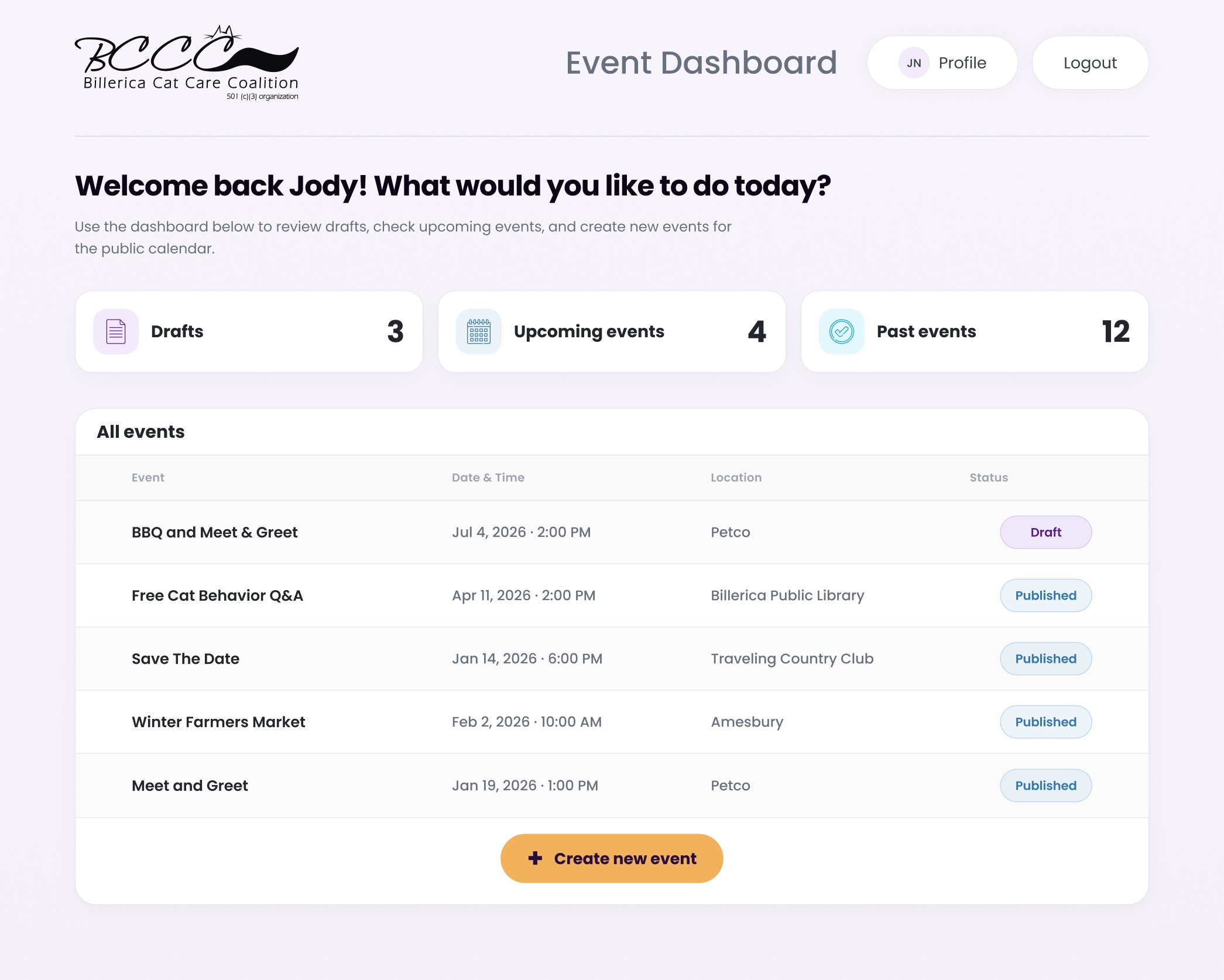
The dashboard serves as the central hub for viewing and managing events. Event creation and editing handle the full workflow from draft to published state. Authentication supports login, recovery, and access control, while account settings allow users to manage profile and security details.
Each area follows the same interaction patterns, allowing users to move between them without needing to adjust to different behaviors.
This project resulted in a cohesive system where interactions remain consistent across flows, reducing friction and making the experience easier to navigate.
By focusing on behavior early, the design supports a wide range of states without introducing unnecessary complexity. The system is flexible enough to handle real-world scenarios like validation errors, incomplete data, and recovery flows, while still feeling straightforward to use.
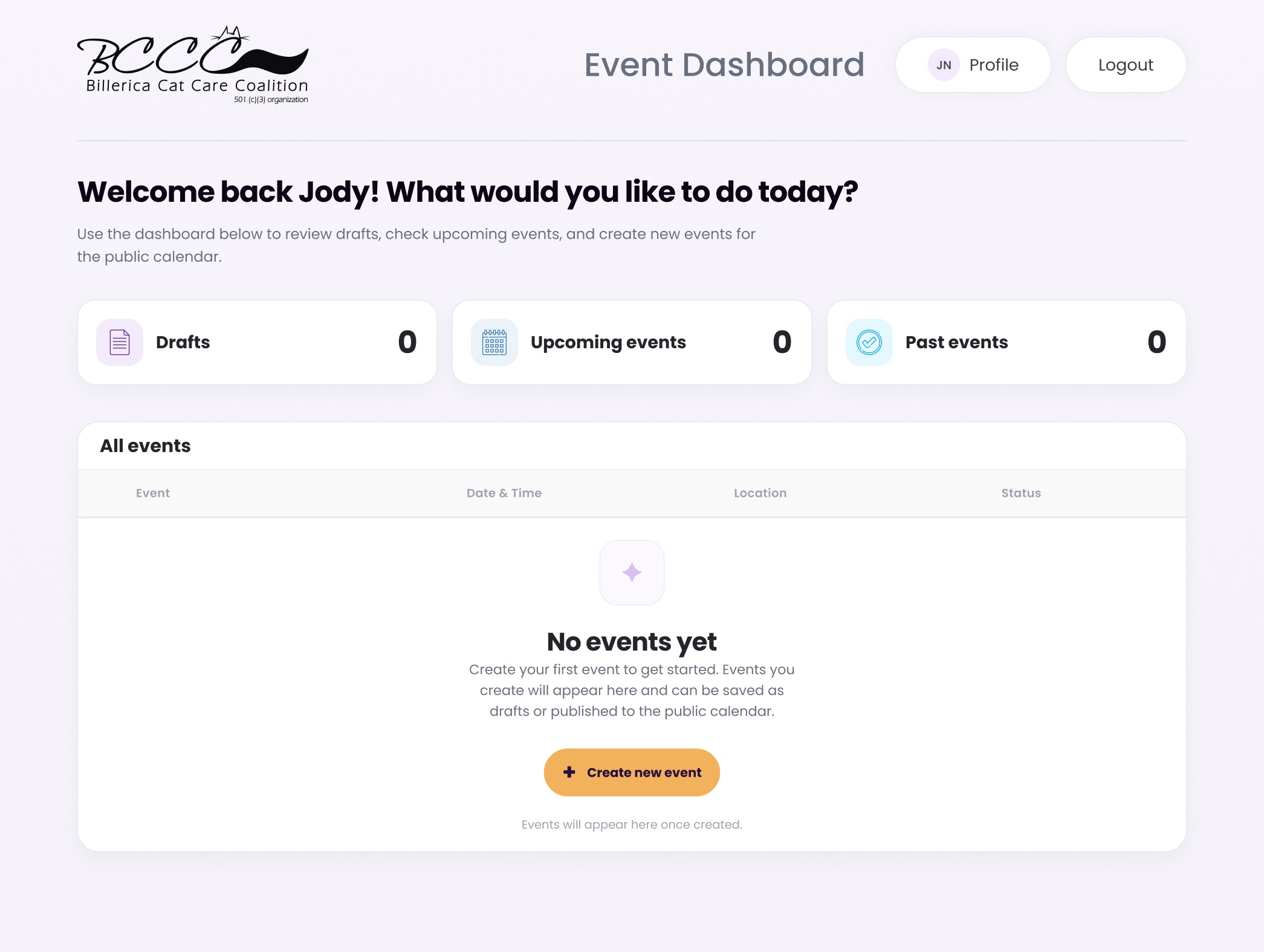
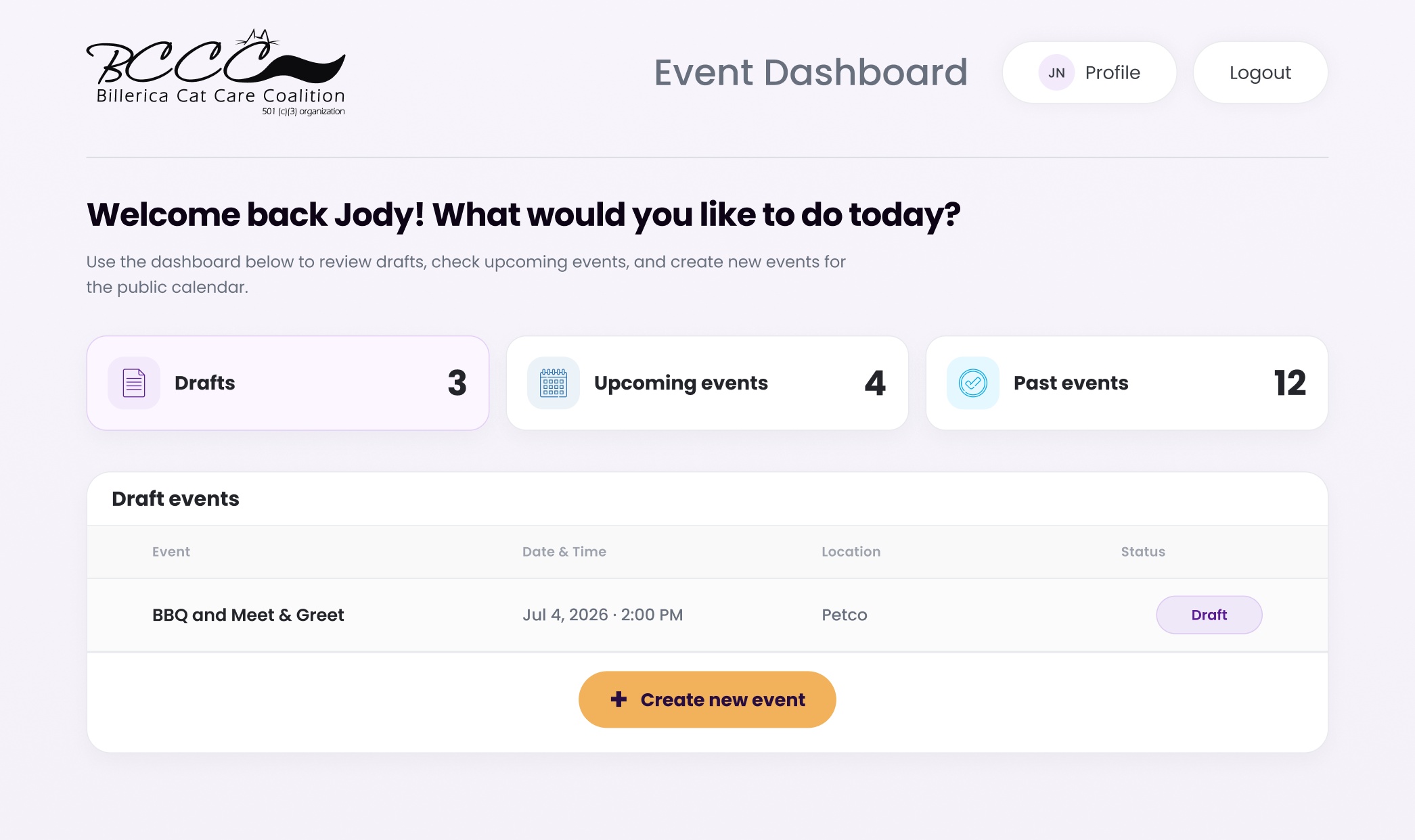
The dashboard supports three primary states: a default view showing all events, a filtered view for narrowing results, and an empty state when no data is available. Each state maintains the same structure, allowing users to shift context without losing orientation.
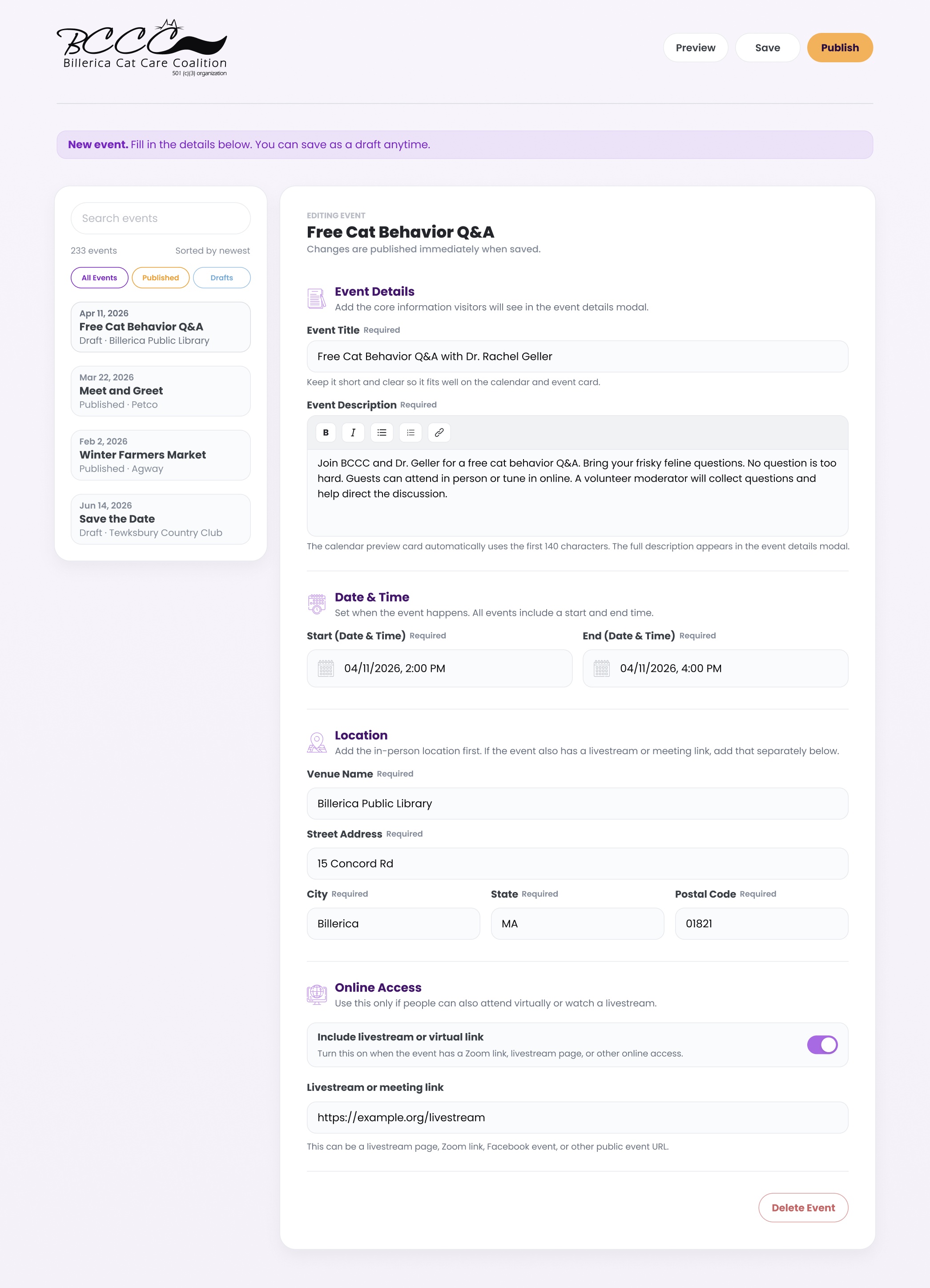
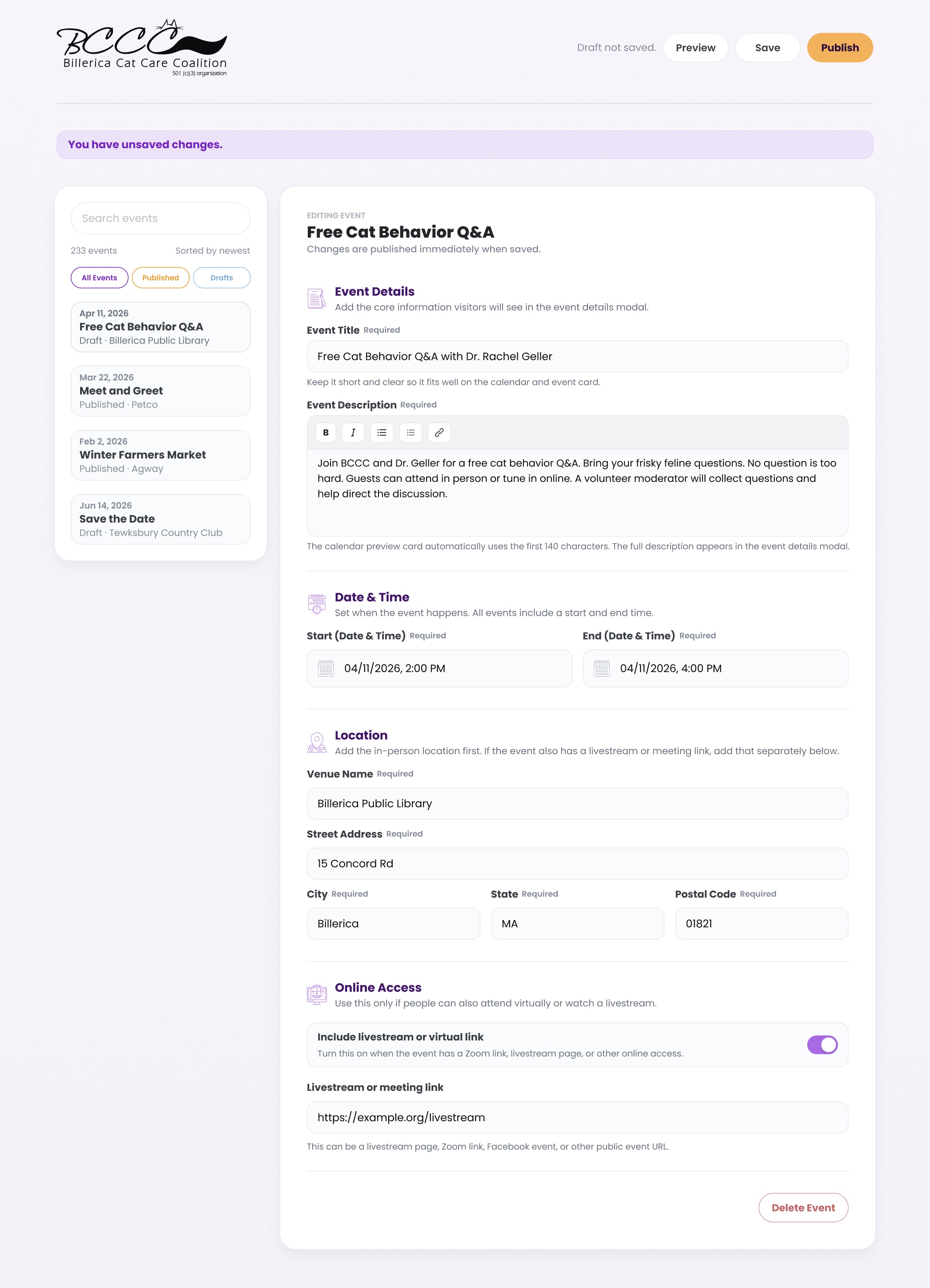
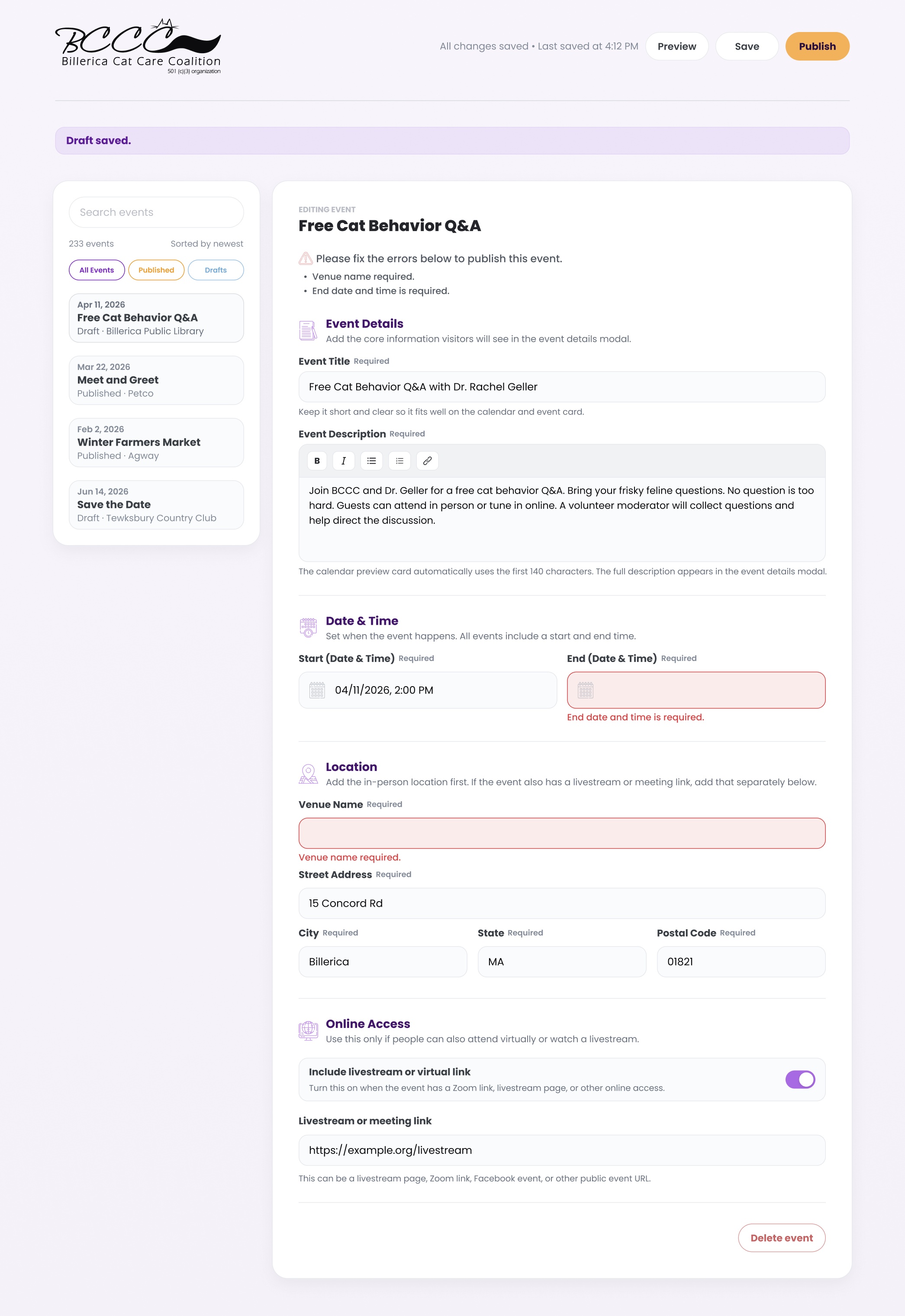
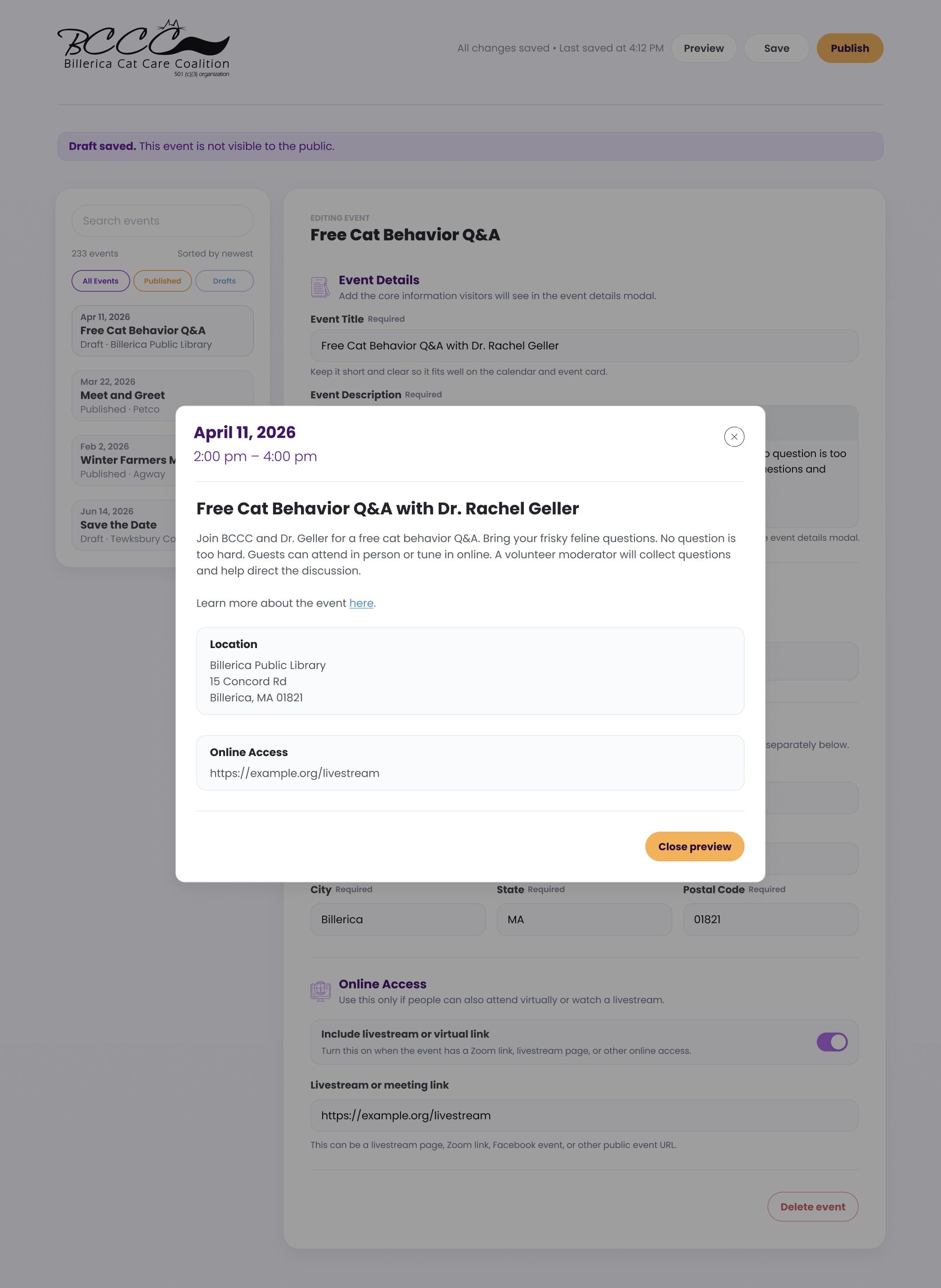
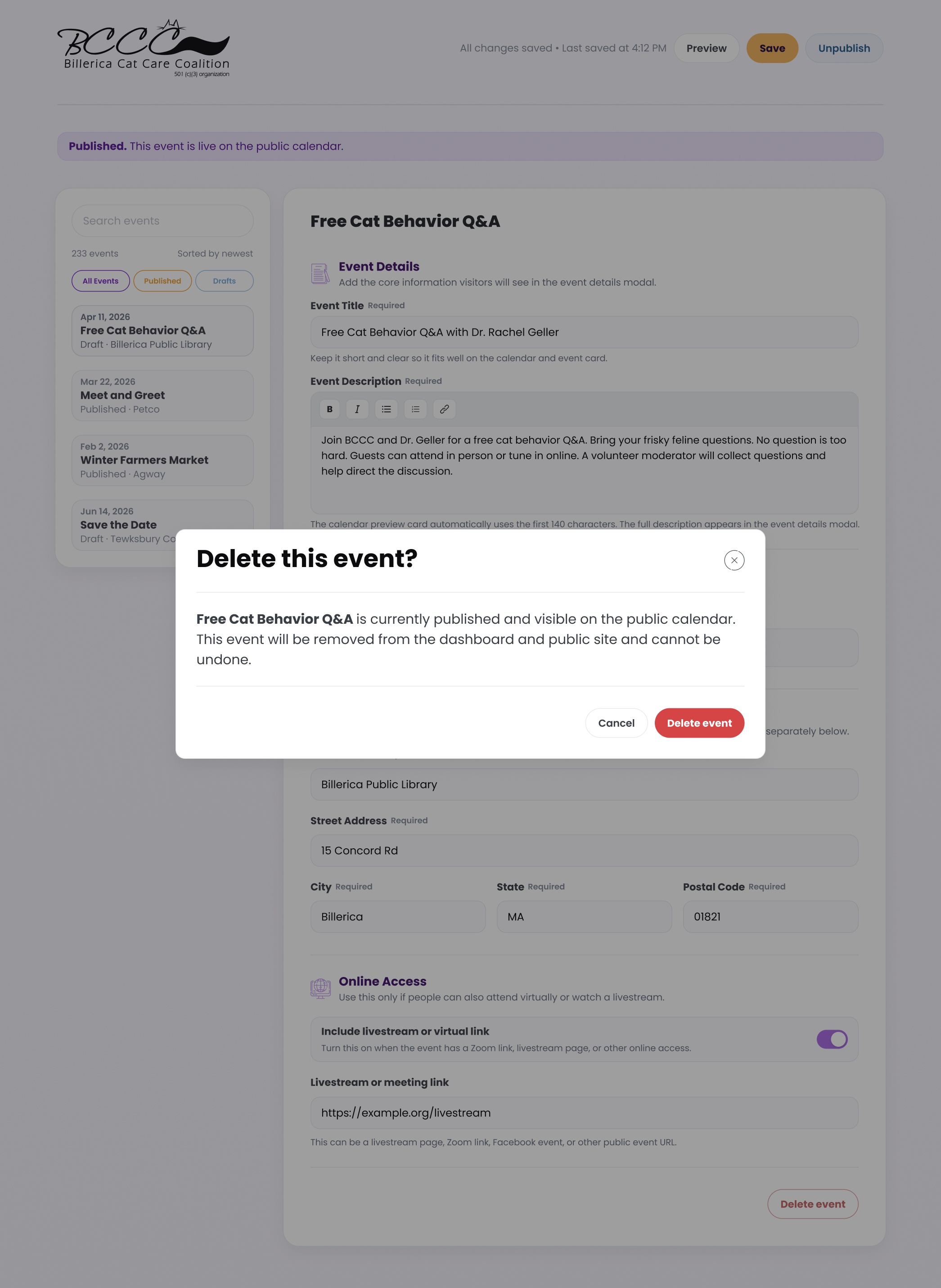
Event creation and editing are designed as a structured but flexible workflow that supports drafting, validation, and publishing. The experience prioritizes clarity and continuity, allowing users to move between creating, updating, and reviewing events without losing progress. In-progress changes are clearly surfaced to prevent accidental data loss, while validation and feedback are handled inline to keep interactions focused and predictable.


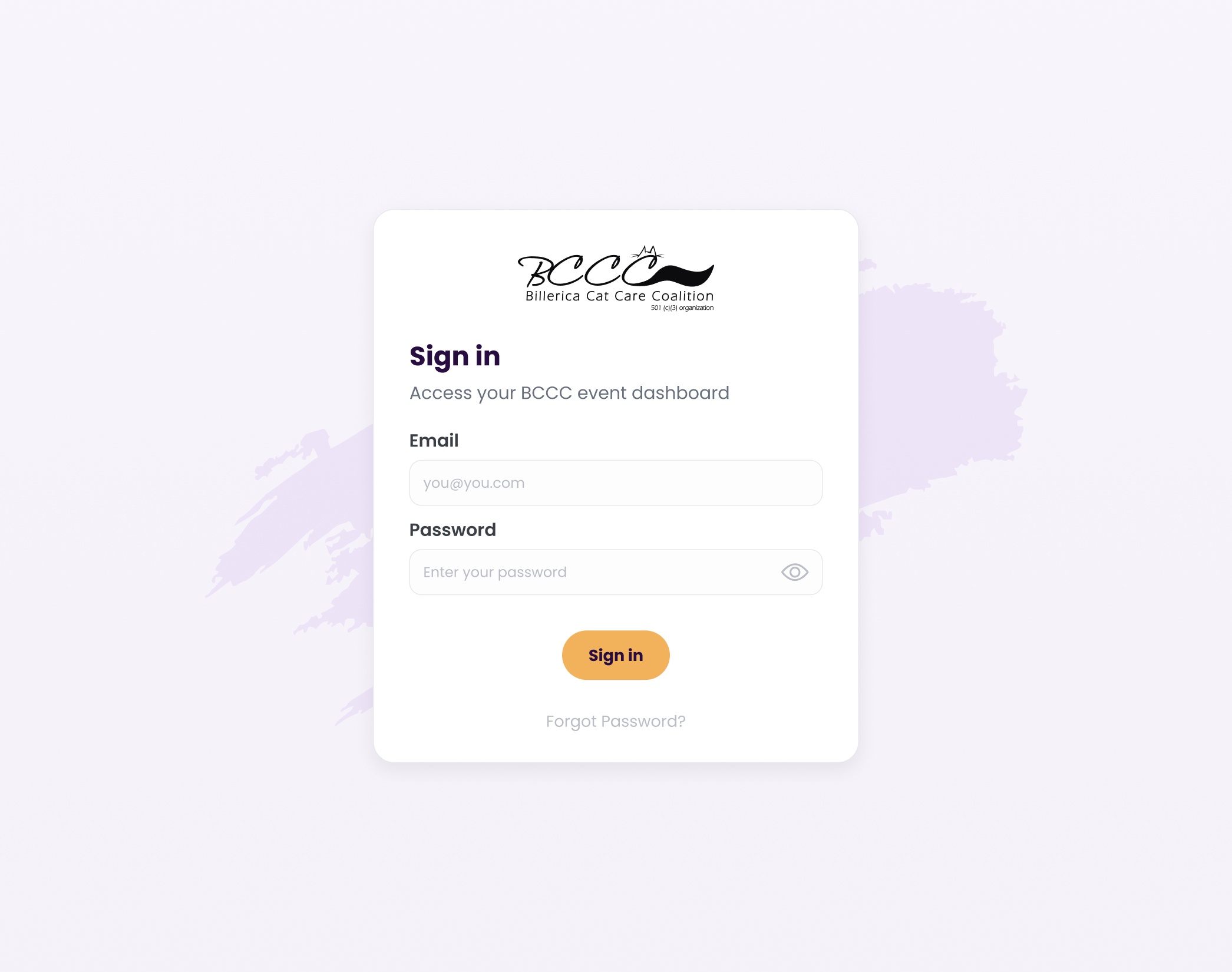
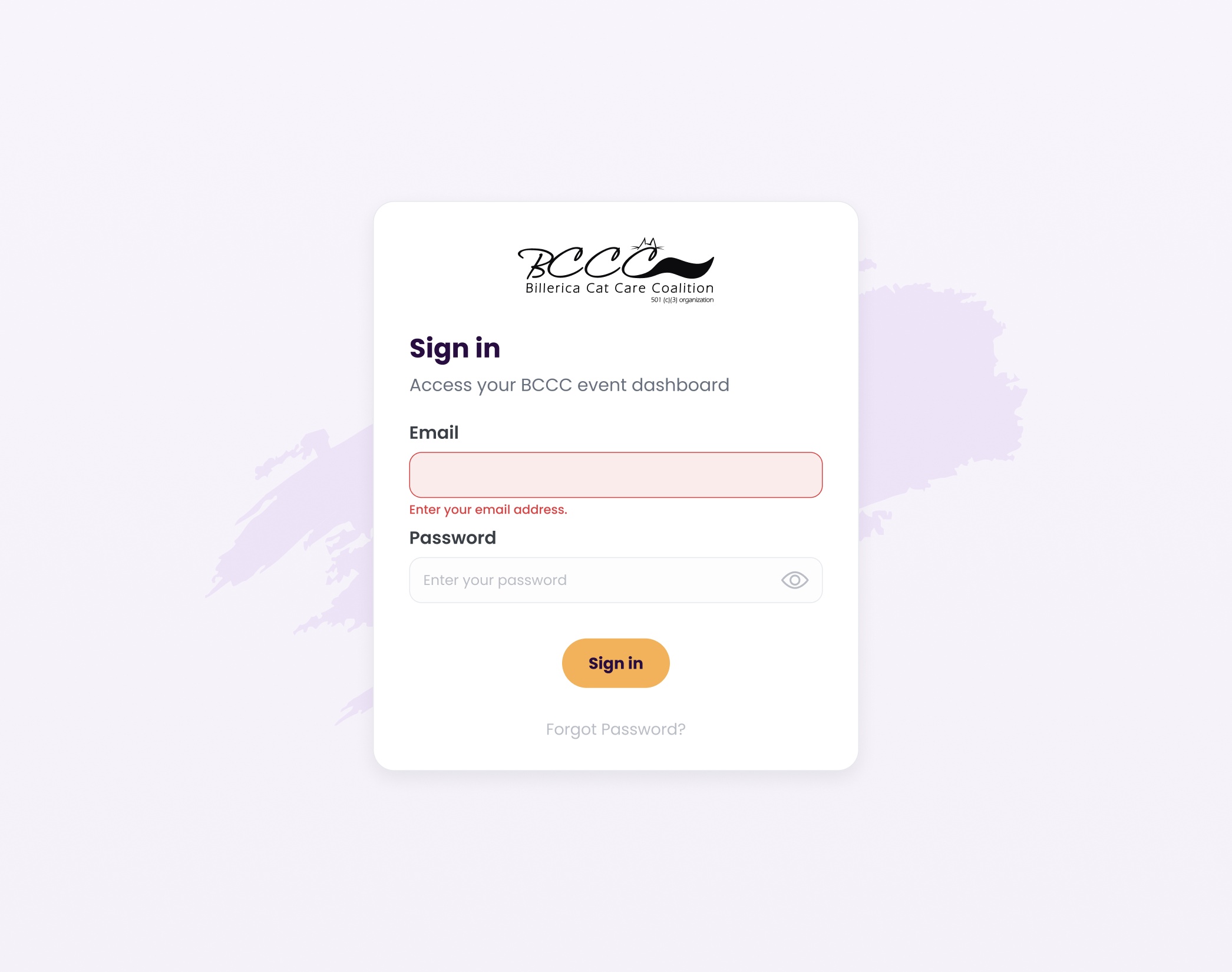
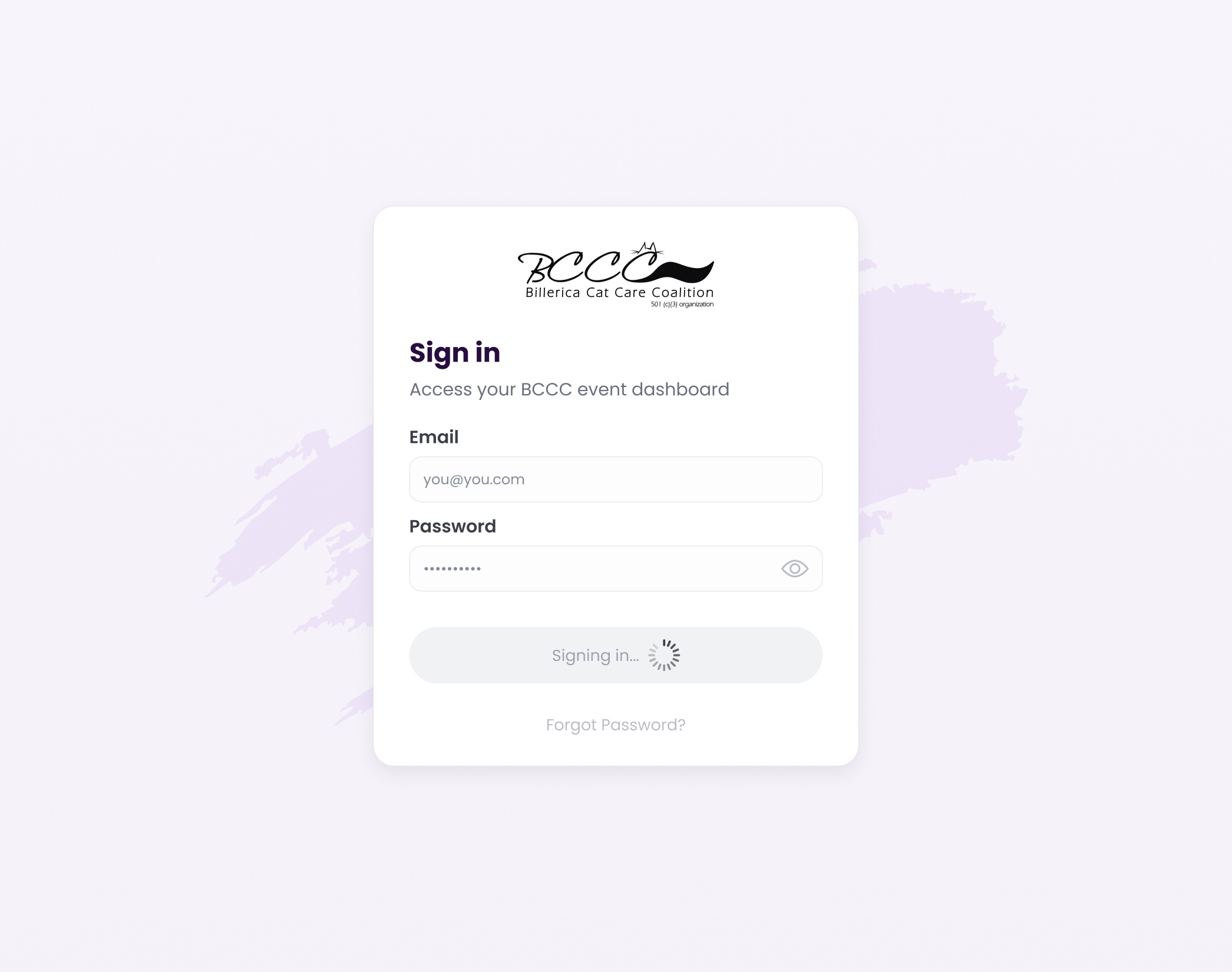
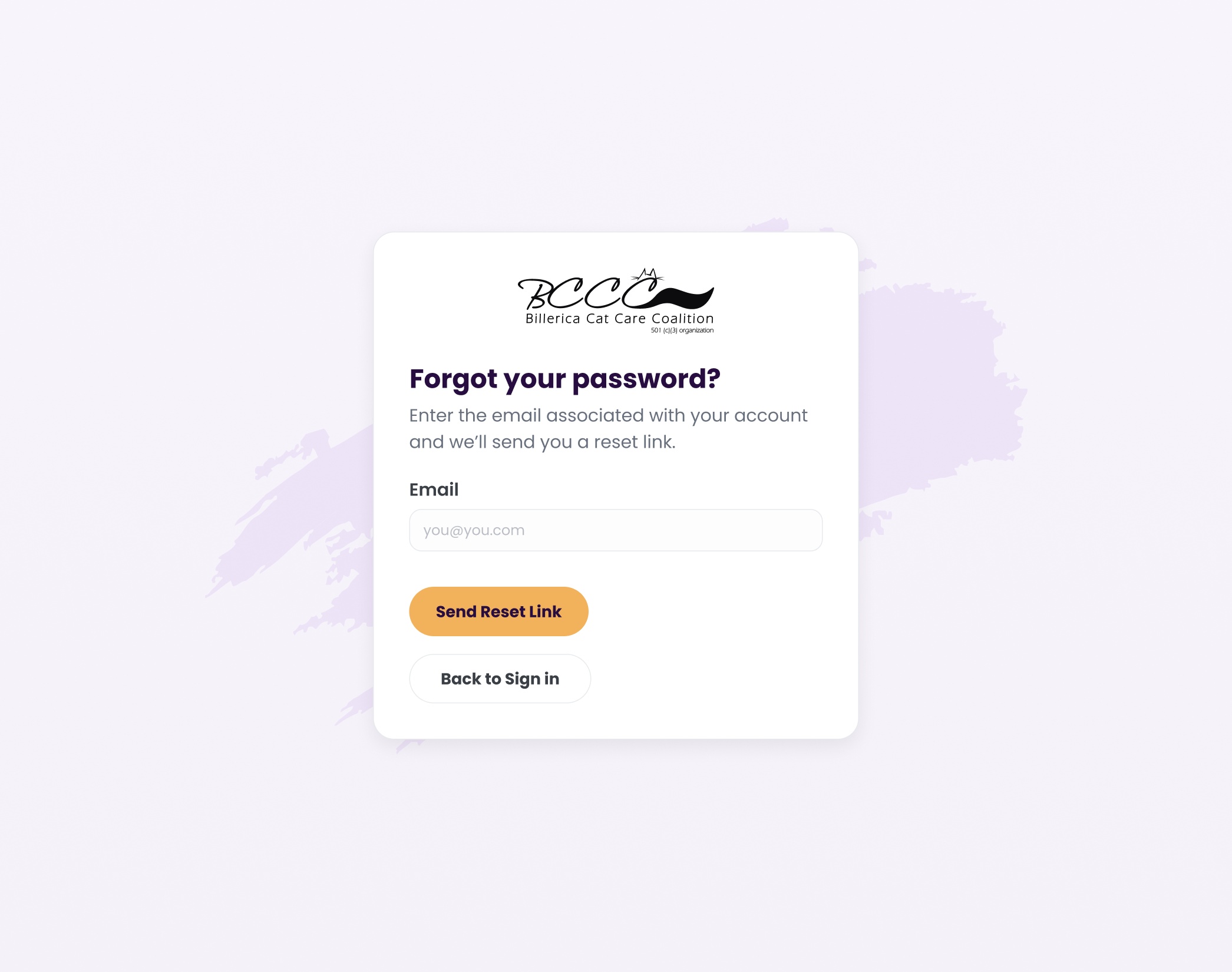
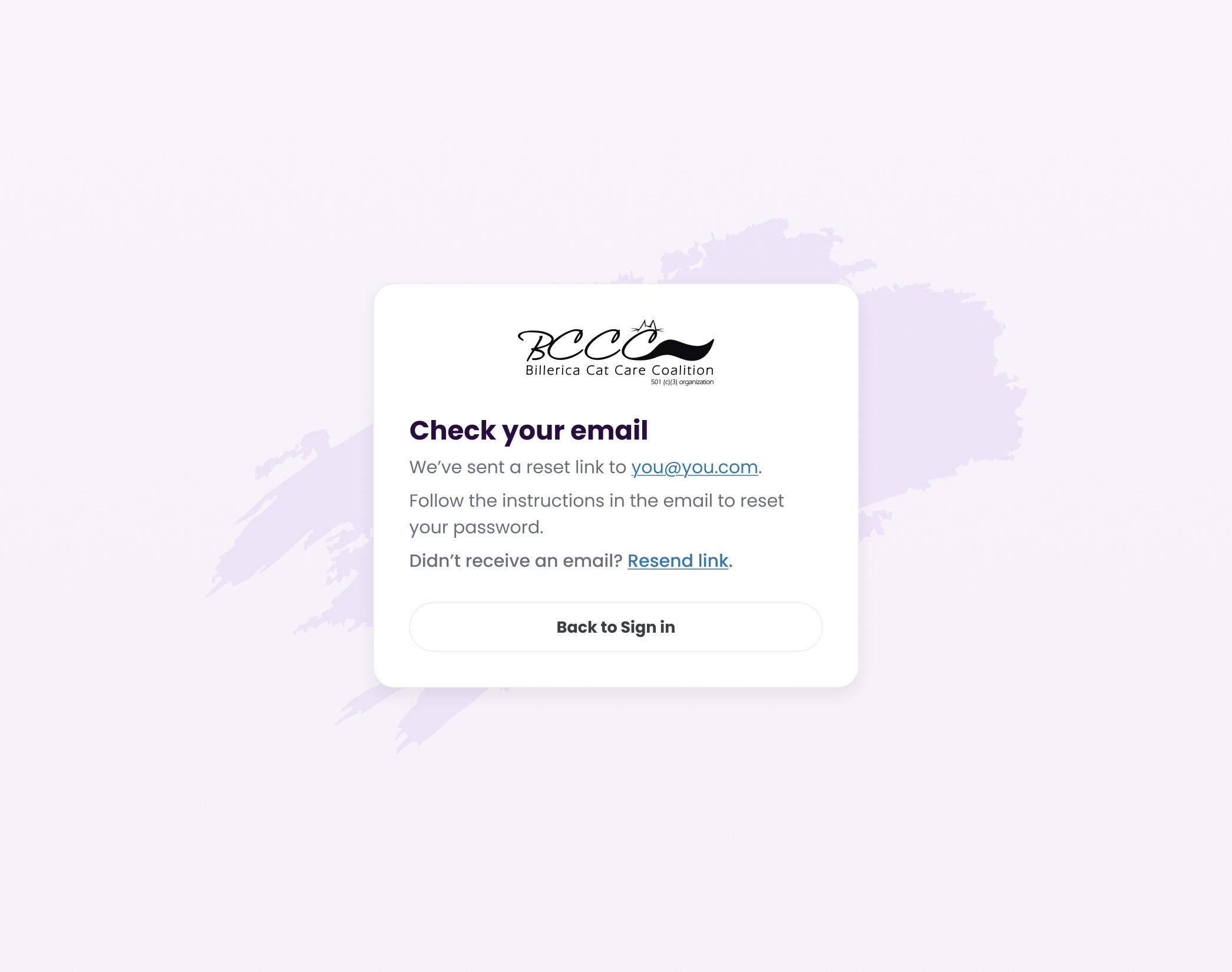
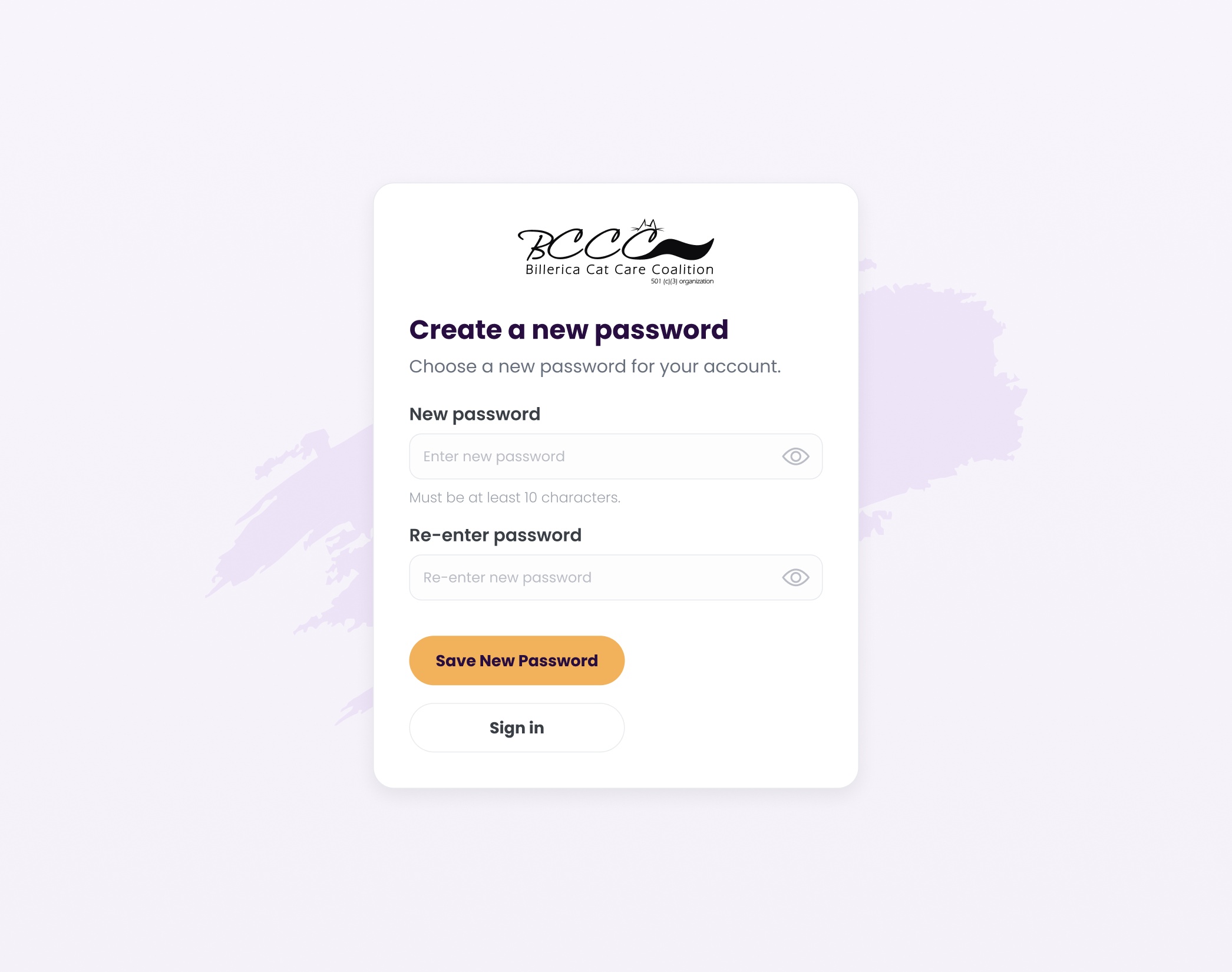
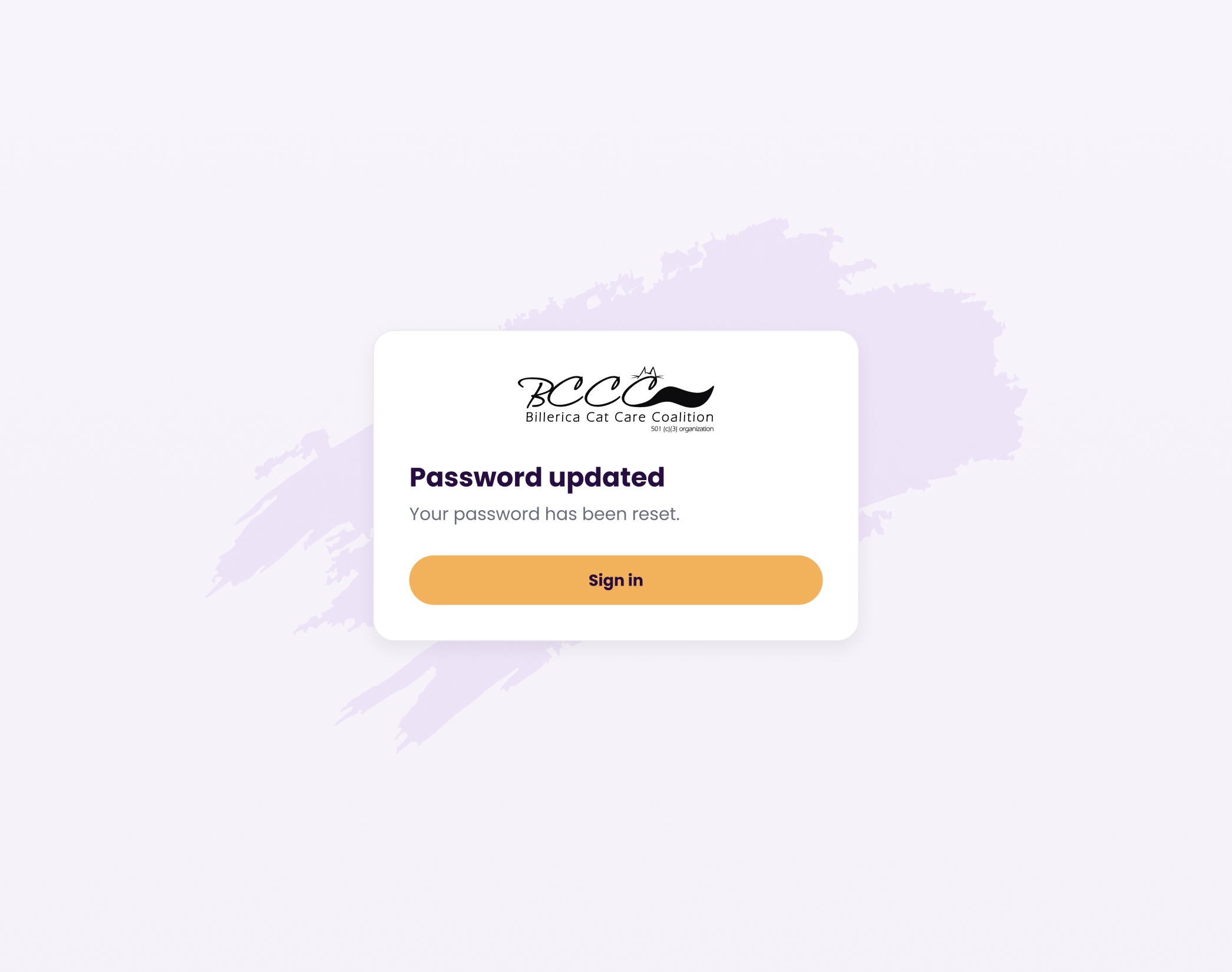
Authentication flows are designed to be simple, consistent, and predictable, while still accounting for edge cases like errors and recovery. The experience focuses on reducing friction during login while providing clear feedback when issues occur. Validation and system responses follow the same patterns used throughout the product, allowing users to move through login, recovery, and reset without needing to adjust to different behaviors.


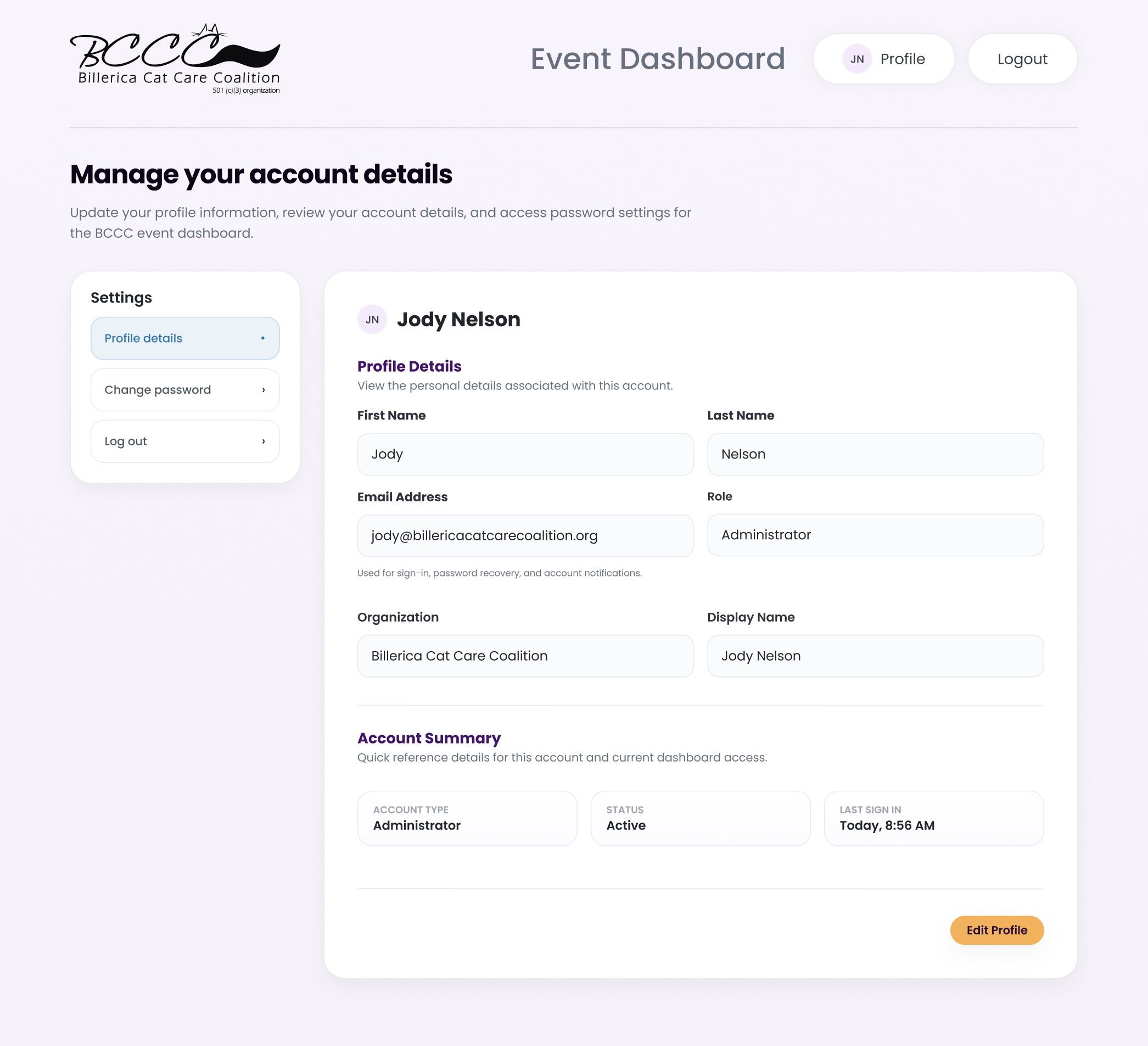
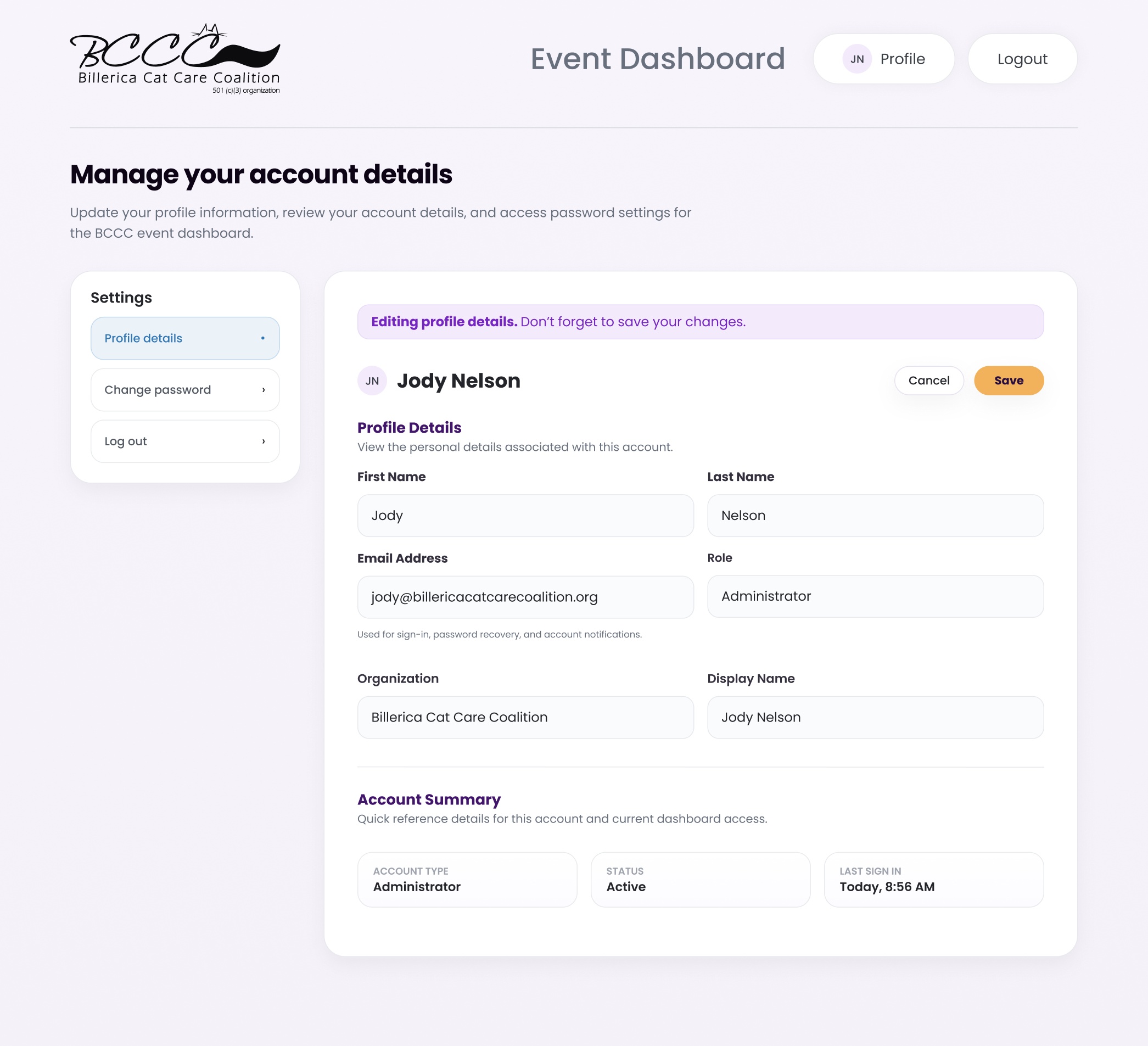
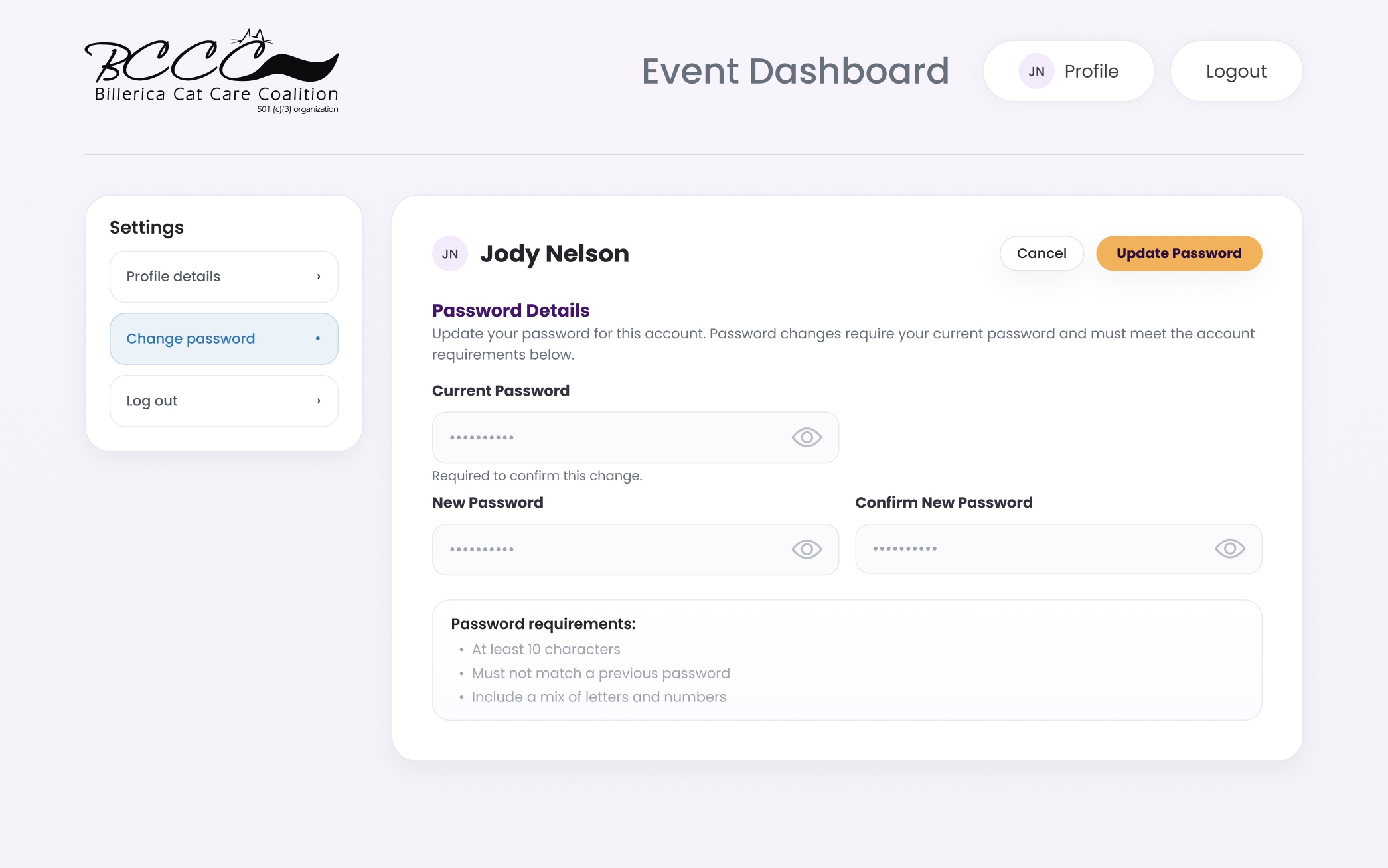
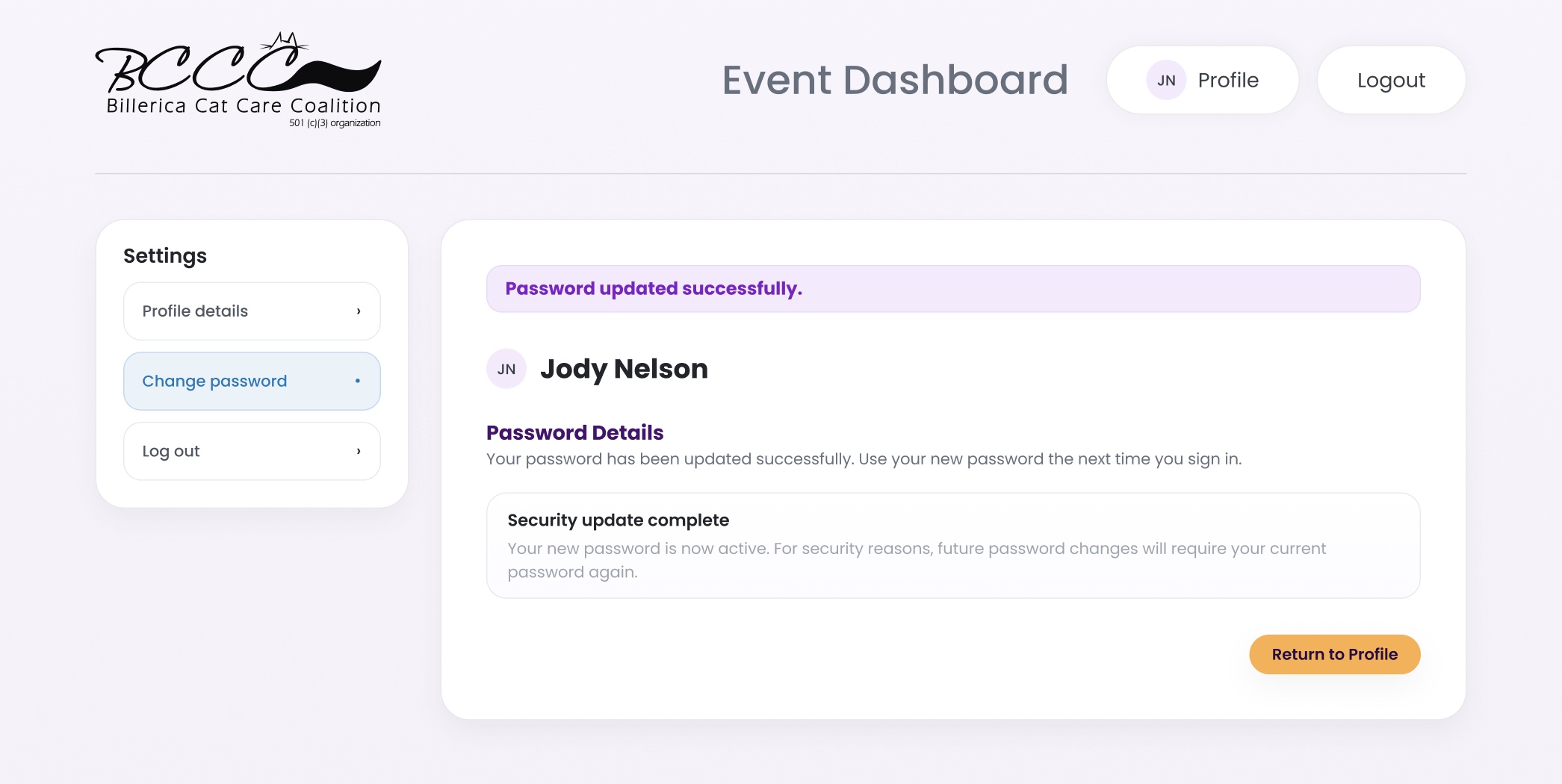
Account settings are designed to follow the same patterns established in event editing, ensuring consistency across the system. The experience keeps interactions simple and controlled, with a read-only default state to prevent accidental changes and inline validation to guide updates when editing. Sensitive actions like password changes are handled with clear feedback, reinforcing a predictable and secure experience..